
Using Coding Agents with AI models, like Claude Code, Codex, OpenCode, Goose, Open Hands, and others, is incredibly popular in the software development community right now. You can start the agent in your project folder, say what you want it to accomplish and it uses tools, writes scripts, documentation and more, with system-wide access to accomplish the task.
What is discussed less, is how Coding Agents are incredibly useful just for general computer use and office work. They can be not just an assistant for coding, but for any job that requires computer use. They become a form of usability layer where you can accomplish any number of computing tasks simply by asking it to do so.
Imagine someone who’s job it is to follow Standard Operating Procedures, Excel Spreadsheets, Word Documents, and solve data entry problems. Just like for a software developer, a coding agent (with python installed on the system) is able to access and read all of these documents and assist with these tasks.
Coding agents can generate safeguards to catch data-entry errors, like comparing current and previous reports for large changes.
Just install the agent - my current recommendation is using OpenCode Desktop along with Ollama Cloud, which just began offering an excellent general purpose model, GLM 5.3 as well as it’s lighter Flash variant.
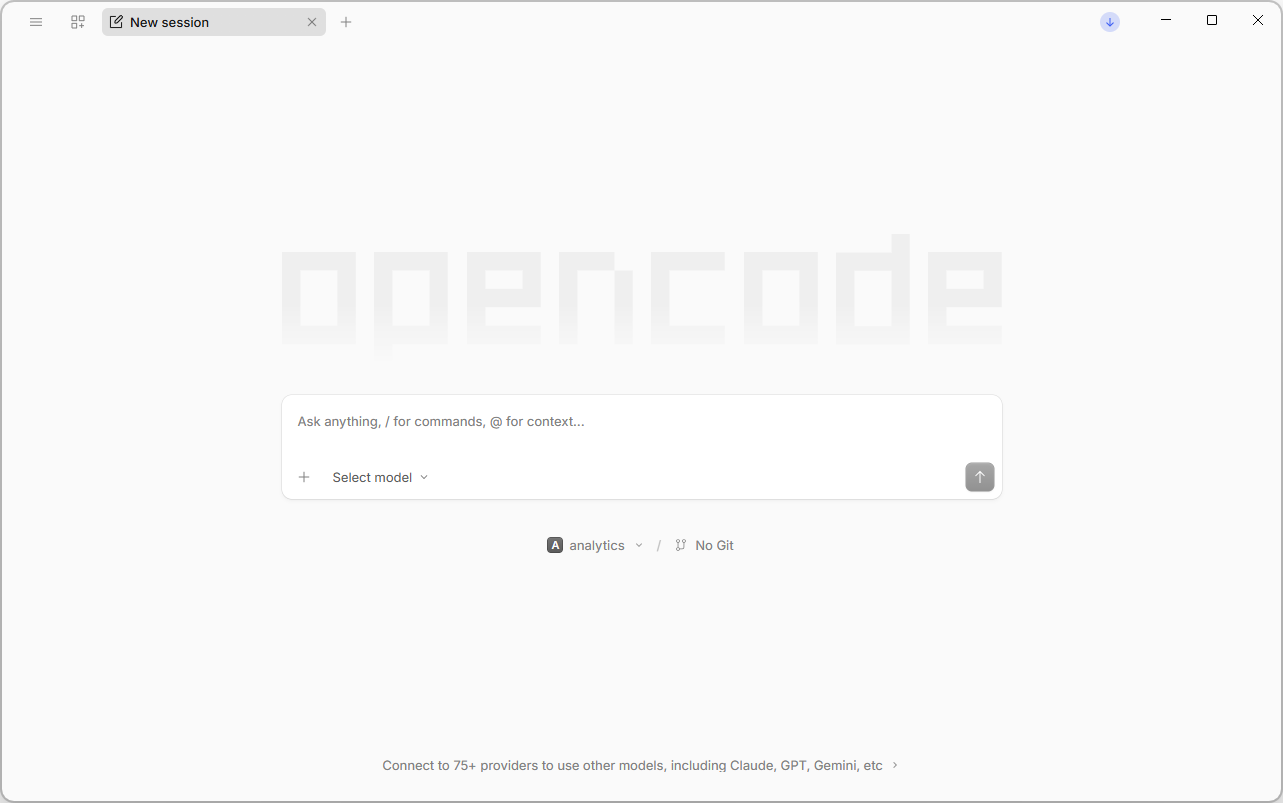
Why Ollama Cloud? Well, they run open models on all of their own hardware (unlike OpenCode Go), and have a strict privacy policy. They also have no incentive to collect the data as they don’t make or train their own models. These are important factors to consider when giving AI services proprietary and sensitive data that includes personal information.
So install the agent, connect to your AI provider, select a model (as mentioned GLM 5.3/flash is a great choice). Create a folder and point the coding agent at it as the project folder. Then tell it about yourself: “I am a data entry specialist using Word, Excel and other tools. Please analyze my entire computer, including my emails and files, to write up and document my workflow and requirements into the project folder into a collection of documents to be used by this agent in future.”
You can then ask it to create a collection of scripts and tools to prevent mistakes or look things up, and craft an “AGENTS.md” file to go along with it which outlines all the ways it can help, which will later be used by the coding agent.
Once done you can then use it - ask it questions, and it knows the context:
Does this report look correct?
Can you check this file for me?
Can you complete this document?
Did I enter this data properly?
How can I finish this task more easily?
This isn’t about replacing workers, but reducing stress. Manual data entry has error rates of 1% - 4%, yet so many jobs still require it and expect workers to never make mistakes.
Furthermore, businesses should also be embracing providing their employees with AI, but thoughtfully. I believe in going local as much as possible to keep your data secure. An ASUS ExpertCenter Pro ET900N, which can drive a fleet of 16-36 agents simultaneously, can be had for $114,999.99 USD, which for a medium-sized business, is doable.
To me this is where the untapped potential of AI lies, not through full automation, not through expensive cloud subscriptions, but AI becoming a tool that saves time for everyone eliminates busywork, and can even make us smarter by encouraging more people to learn about and design workflows that improve their career.